
Imagery
Imagery
Hand-drawn illustration with saturated color, visible texture, & characters with opinions. It sets the mood; it never explains the architecture. Click any image to download it.
Illustrations by Annie Ruygt.
Landing Heroes
The current fly.io style: pastel skies, clouds & floating machines, with characters at the edges & open sky for headlines. For page heroes & banners.
Ollama ConnectorOct 2026 StartupsOct 2026 Night SkySep 2026 BenchmarkSep 2026 OnboardingSep 2026 PricingSep 2026 Default BannerAug 2026 Computers ComparedAug 2026 ConnectorsAug 2026 Run Agent CodeAug 2026 HomepageJul 2026 CloudsJul 2026
Editorial Illustrations
Full-bleed scenes for blog covers, launches & social cards. Saturated color, visible texture, characters with opinions.
Whack-a-MoleSep 2026 SwirlJul 2026 Toolbox TurnoutJul 2026 Building AgentsJun 2026 Local LLMMar 2026 Context EngineeringFeb 2026 Agent SwarmsFeb 2026 UntrustedFeb 2026 MoltbotJan 2026 Starry ContainersJan 2026 Litestream VFSJan 2026 SpritesJan 2026
Spot Illustrations
Single characters or objects on a transparent background. For docs, empty states & feature callouts.
RunwayOct 2026 ApplyOct 2026 How It WorksOct 2026 Preferred CloudSep 2026 Agent SandboxesAug 2026 What Is a SandboxAug 2026 Warm PoolJul 2026 Coding AgentsJul 2026 Personal AgentsJul 2026 MCP ServersJul 2026 Untrusted CodeJul 2026 Agent-Built AppsJul 2026 Campfire AppsMay 2026 HermesMay 2026 Open ClawApr 2026
- Use the newest illustrations first, starting with the landing heroes. Older watercolor pieces read as dated.
- Put hero headlines in the open sky. The heroes are drawn with characters at the edges to leave room for them.
- Let one illustration lead a layout. Pair it with plenty of quiet space & Mackinac headlines.
- Crop editorial scenes from the edges, keeping the main character inside the center 80%.
- Place spot illustrations on white, navy-50 or peacoat. They’re drawn to sit on flat color.
- Write alt text that describes the scene, not the post: who’s doing what, & where.
- Recolor, filter, tint or add effects to an illustration.
- Mix illustration styles in one layout, or put illustrations next to stock photos.
- Stretch, flip or rotate an illustration, or crop through a character.
- Use illustrations to explain architecture. Draw a diagram instead.
- Use a scene for a different subject than it was drawn for without checking with the brand team.
Text on Images
Three ways to combine words & illustration, in order of preference. Pick the first one that fits.
01Text Beside the Image
The default. Image & text sit side by side or stacked, so neither fights the other. Works with every illustration.
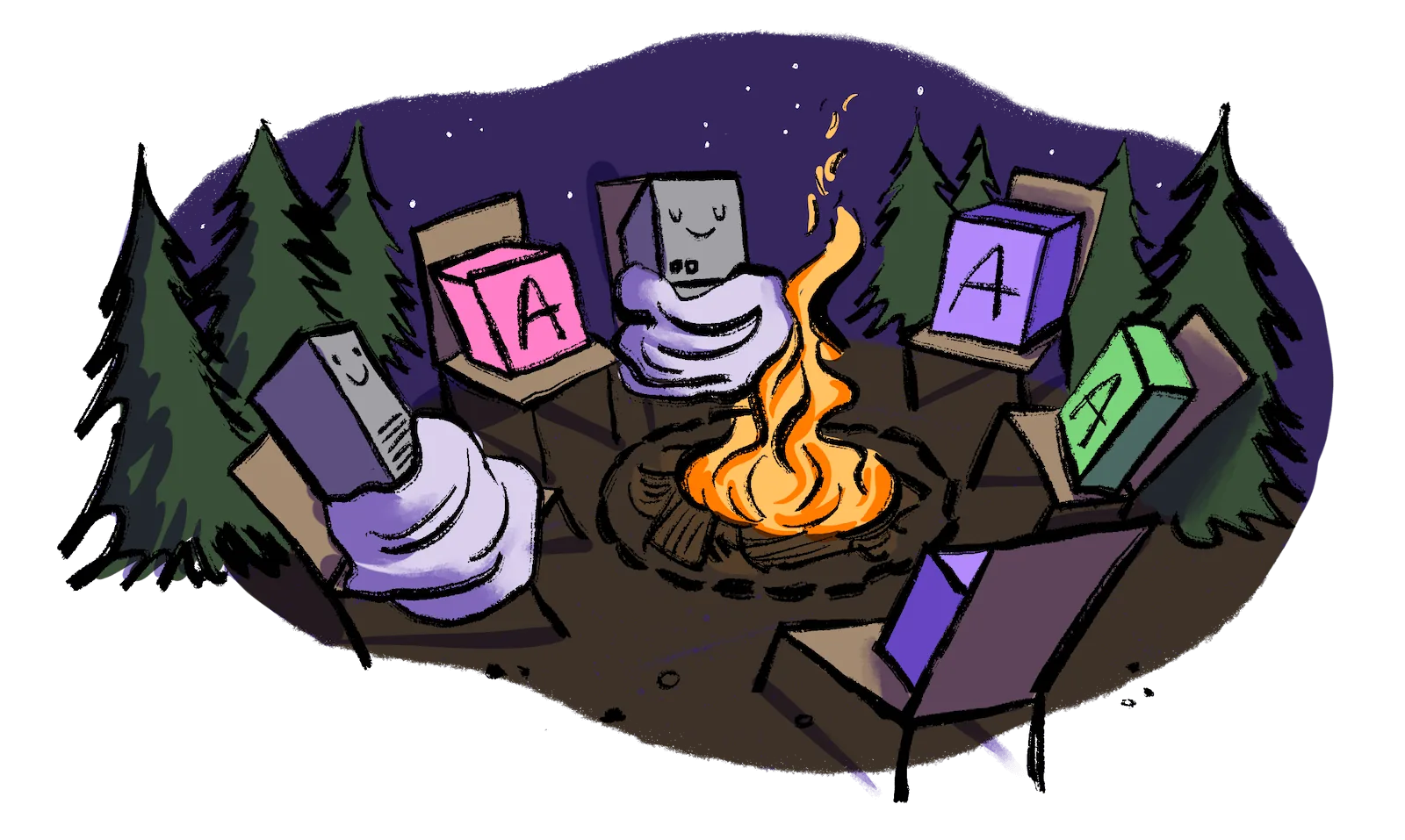
Fly Machines
Gather your apps around one network
Every app in your org can reach every other over private networking, with nothing to configure.
02Text in Open Space
Only where the scene has a calm area, like an empty sky. Navy text on light areas, white on dark. Never over characters.
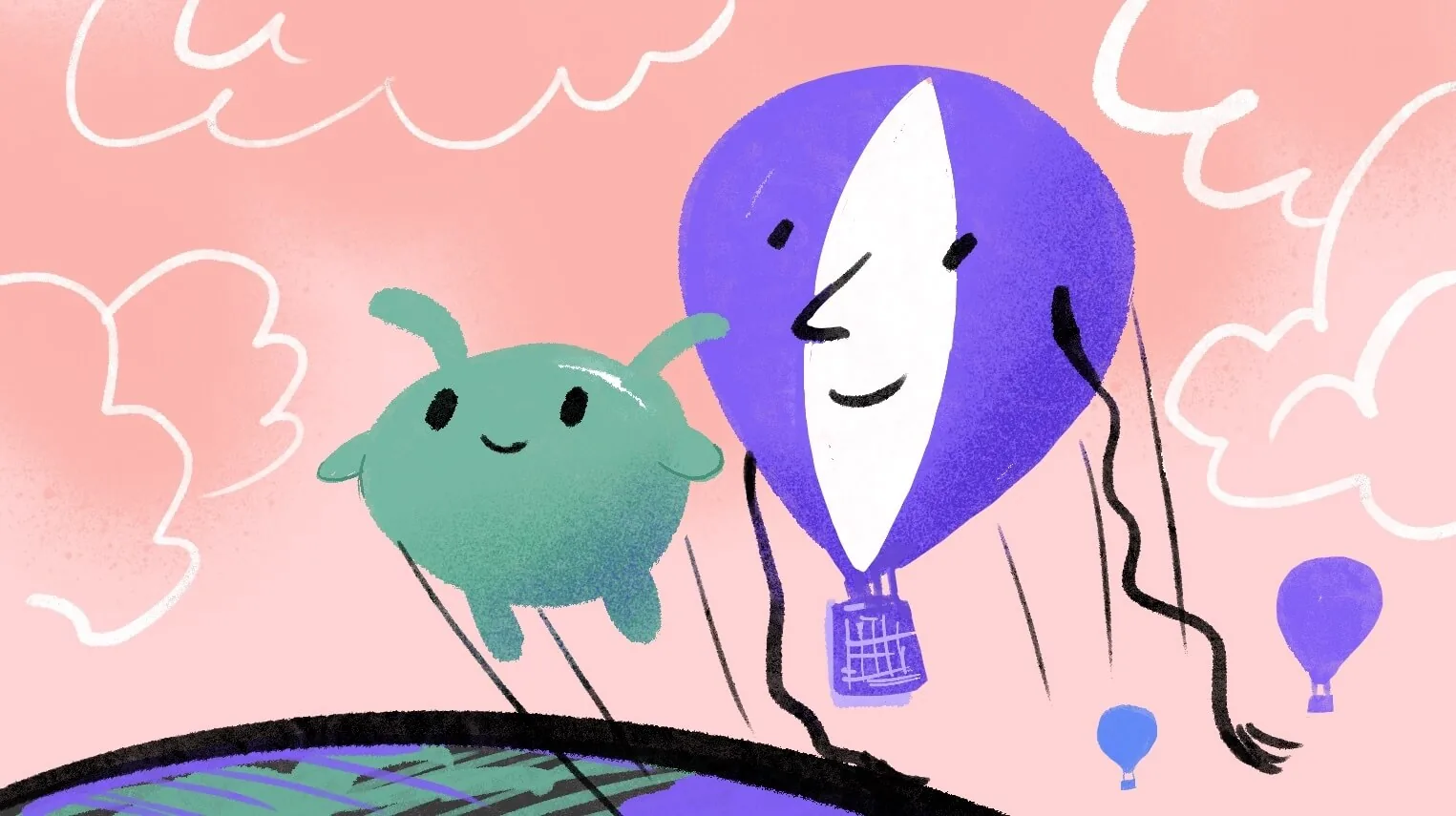
Toolbox Turnout
What we shipped this month
03Text on a Scrim
For busy scenes that must carry text. A peacoat gradient rises from the edge the text sits on, & the text goes on the gradient.
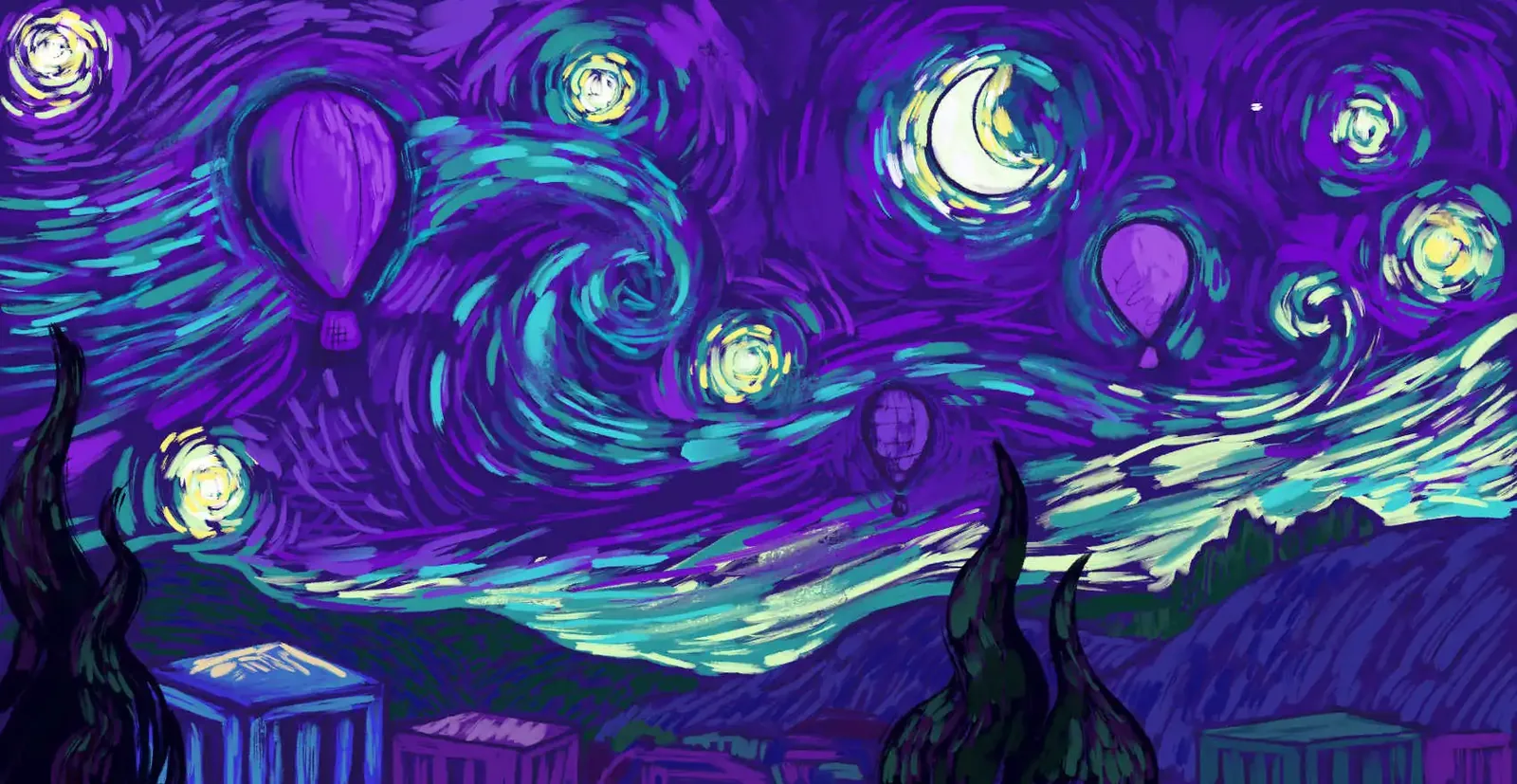
Starry, starry containers
Running containers in Sprites

.scrim {
  position: relative;
}
.scrim img {
  display: block;
  width: 100%;
  height: auto;
}
/* Gradient over the image, rising from the edge the text sits on */
.scrim::after {
  content: "";
  position: absolute;
  inset: 0;
  background: linear-gradient(
    to top,
    rgb(23 20 52 / 0.92) 0%,   /* peacoat */
    rgb(23 20 52 / 0.6) 35%,
    rgb(23 20 52 / 0) 65%
  );
}
/* Text on top of the gradient */
.scrim-text {
  position: absolute;
  z-index: 1;
  inset-inline: 6%;
  bottom: 6%;
  color: #fff;
}
Rules for Every Approach
- 01Contrast: at least 4.5:1 for body text & 3:1 for headlines, measured against the busiest part of the image behind the text.
- 02Type: Mackinac Medium for headlines, Fricolage Grotesque for supporting text. Up to 2 lines of headline, 1 of support.
- 03Color: white or navy-900 only. No violet text, outlines or drop shadows on images; use a scrim instead.
- 04Placement: align text to an edge, never centered over the subject. Keep a margin of at least 6% of the image width.
- 05Logo: one corner, with its clear space. Inverted or light logo on dark areas, color or dark logo on light areas.
- 06One message per image. If you need a paragraph, use Text Beside.
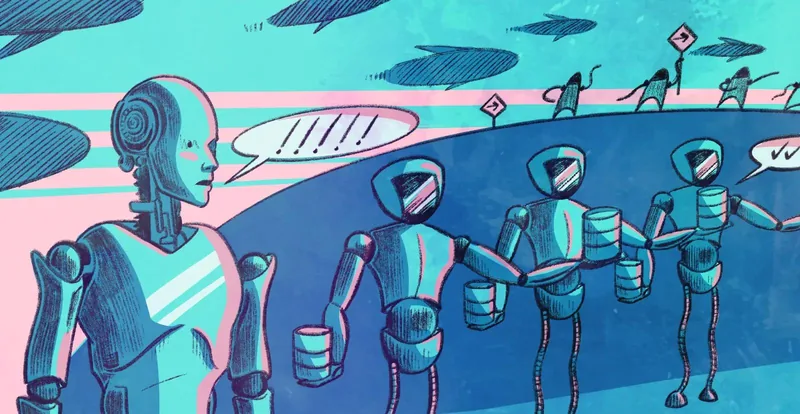
Agents at scale
Don’t put text over a busy scene without a scrim
Agents at scale
Don’t use violet or brand-colored text on images
Agents at scale
Don’t fake contrast with outlines or shadows