Logo
Logo
Use the color landscape logo whenever you can. Switch to monochrome on low-contrast backgrounds, & to portrait or the brandmark when space is tight.
Primary Logo
The balloon plus the wordmark, side by side. This is the default for everything.
Layouts
Three arrangements of the same parts. Pick by the shape of the space, not by taste.

Landscape Logo
The primary logo. Use it whenever there’s room.

Portrait Logo
For tall or square spaces where the landscape logo won’t fit.

Brandmark
The balloon on its own. Limited use: app icons, avatars, favicons.
Color Treatments
Each layout comes in 4 treatments. Two are full color, two are monochrome.
Color
Default. Full-color mark with navy wordmark, for light backgrounds.

Inverted Color
Full-color mark with white wordmark, for dark backgrounds.

Dark (Monochrome)
Single-color navy, for light backgrounds where color would clash or print is one-color.

Light (Monochrome)
Single-color white, for photos and busy or low-contrast dark backgrounds.
| When | Use | Preview |
|---|---|---|
| Light background, room to spare | Color Landscape Logo | |
| Dark background | Inverted Color Landscape Logo | |
| Photo or busy background | Light (Monochrome) Landscape Logo | |
| One-color print, or color would clash | Dark (Monochrome) Landscape Logo | |
| Tall or square space | Color Portrait Logo | |
| Tiny: favicon, avatar, app icon | Color Brandmark | |
¼h¼hKeep clear space on every side of at least ¼ of the logo’s height. No text, edges or other logos inside it.
Minimum Size
Below these sizes the balloon’s detail falls apart. Use the brandmark instead.
| Layout | Screen | |
|---|---|---|
| Landscape Logo | 96 px wide | 25 mm wide |
| Portrait Logo | 48 px wide | 13 mm wide |
| Brandmark | 16 px wide | 5 mm wide |
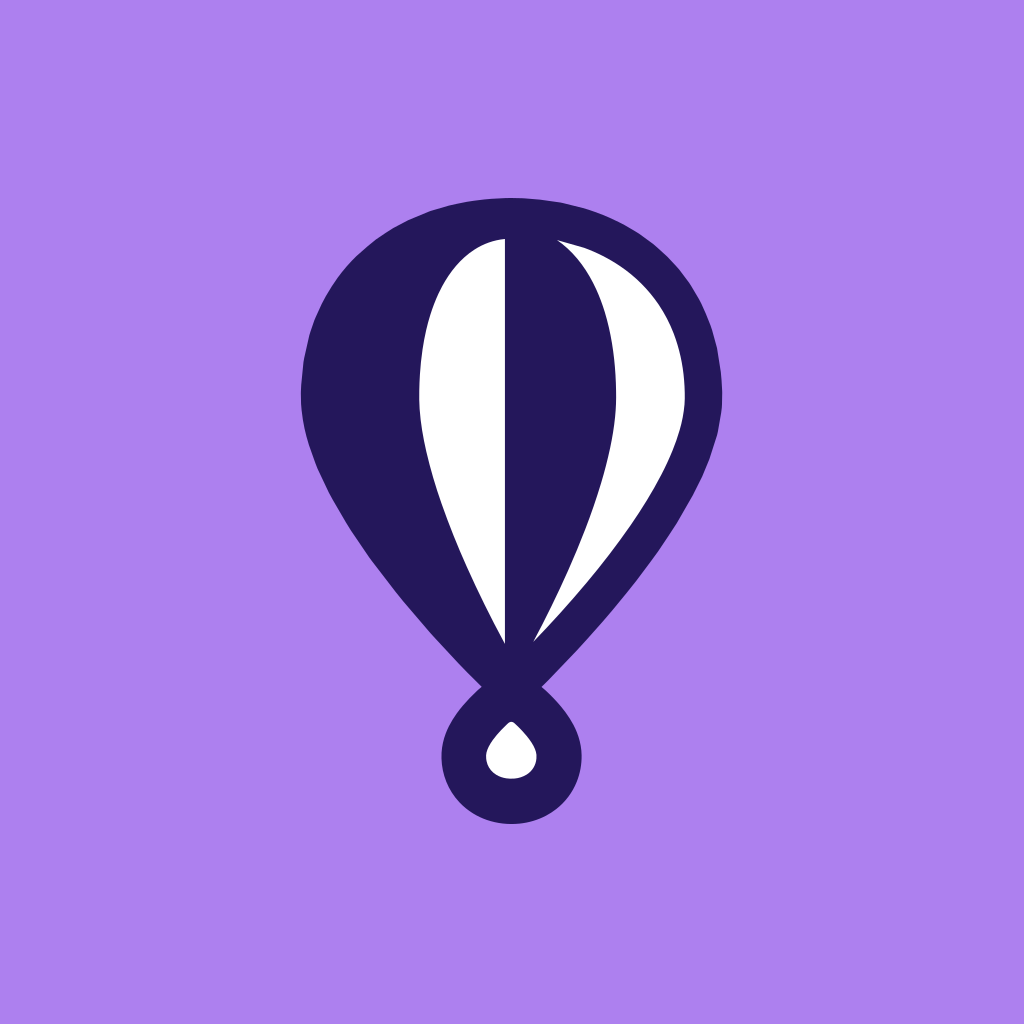
Balloon on Its Own
For square & round spaces where even the brandmark is too busy: social avatars, app & workspace icons.
 9648249648
- Center the balloon in the square. It fills about 60% of the height & 40% of the width.
- Keep at least 19% of the square clear above & below the balloon, & 29% on each side.
- Use one flat field color. The default is balloon-lilac (#AD80EF), with the balloon in ink & white.
- It’s safe in a circular crop: the balloon sits inside the inner 75% of the circle.
- Scale the balloon up until it touches or crowds the edges.
- Put it on photos, gradients or busy illustration.
- Add the wordmark, a border or a second shape inside the square.
Misuse
Use the files as they are. If one doesn’t fit, pick a different one instead of changing it.
Don’t stretch or squash
Don’t recolor
Don’t rotate
Don’t add effects
Don’t use low contrast
Don’t place on busy images
- Recolor the logo, or swap its gradient for other colors.
- Stretch, squash, skew or rotate it.
- Add shadows, outlines, glows or other effects.
- Rearrange or resize the balloon relative to the wordmark.
- Retype the wordmark in another font.
- Place the color logo on busy photos or low-contrast backgrounds. Use a monochrome version.
Partner Lockups
When Fly.io appears beside another brand, both logos should read as equals. Spacing is measured in x, the height of the balloon.
- x
- The height of the Fly.io balloon in the lockup.
- 1
- Separate the two logos by 1x. With a divider, leave ½x on each side of it.
- 2
- The divider is a 1 px line, 1x tall, in the logo’s own color at 30% opacity (ink on light, white on dark).
- 3
- Center both logos vertically on the same axis.
- 4
- Size the partner logo so it looks the same weight as the Fly.io logo: no taller than 1x, & no wider than the Fly.io logo.
- 5
- Keep ½x of clear space around the whole lockup.
Match formats: full logo next to full logo, symbol next to symbol. Use the brandmark only when every brand in the row is shown as a symbol.
- Use the color or monochrome treatment that suits the background, & give the partner the same treatment.
- Put Fly.io first (left) on Fly.io’s properties, & follow the partner’s lead on theirs.
- Get written approval for any co-branded material (see Usage Terms).
- Merge the logos into a single mark, or share a letter or shape between them.
- Let the partner logo dominate, or shrink Fly.io to fit.
- Use “+” or “&” glyphs as separators. Use space or a divider line.
- Imply a partnership or endorsement that hasn’t been agreed in writing.
All Logo Files
Every layout & treatment. Each ZIP holds the SVG & a high-resolution PNG.